Making tutorial videos for Sentinelboard
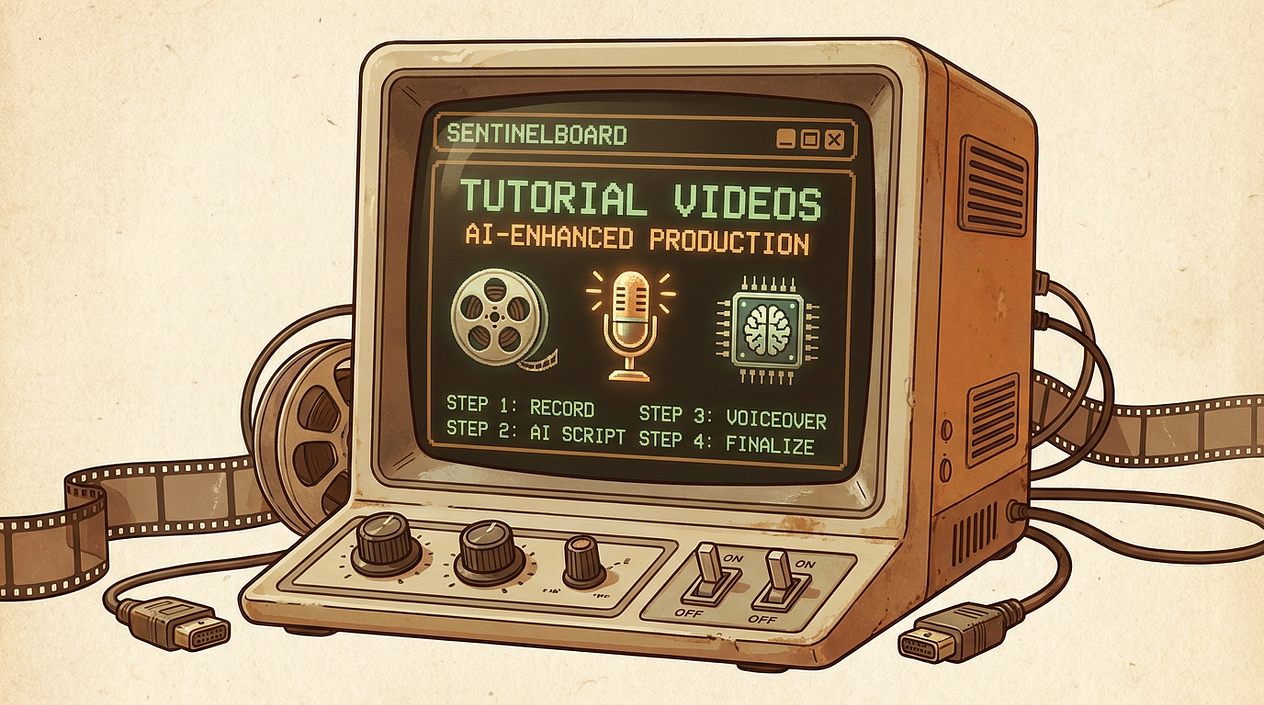
I started working on videos that shows how can you add new monitors to your Sentinelboard. It's quite straightforward process but short video tutorials won't hurt. In this article, I describe how exactly I'm making them. I'm using low-friction process any solopreneur could use. First, check out how it looks. This is video explaining how to add website monitoring widget.
Video preview
https://www.youtube.com/watch?v=kceYA3g9h14
Creating with AI
- Screen recording
The most manual part is actual recording of the screen. So I recorded the screen, and did some necessary editing. It's just standard quicktime and recording what I manually do on screen. - Title and ending screen
I used AI to generate background that more or less fits the color palette and style of the website. I passed also a logo to AI but it didn't look good, so I just used the background and added logo manually in Gimp. And then I just added those images to iMovie along with animated titles which is standard iMovies feature. - Voiceover
Now it's getting interesting! For voiceover you need a script or text you can use. I used AI for it too! I just attached exported video to ChatGPT and asked for a script I could use as a voiceover for Elevenlabs (elevenlabs.io). As the voiceover is critical part, I carefully reviwed the script. It was mostly good but I had to do a few small changes. Don't underestimate manual reviews and updates when you are using AI.
Now I just pasted it to Elevenlabs, picked fitting voice, and generated mp3 voiceover.
- Putting it together
Then I added voiceover to iMovie again, and positioned each parts to the right places. At the end, I wanted to add some low music for a mood so I went to some audiobank and bought some generic music. It's mostly quite low on volume so it's not super-important but it shouldn't distract too much.
And that's it. After uploading to youtube, it's ready to use!
April 11, 2026
 Share on Reddit